
Traceable Approvals
Requests, decisions and current ownership become easier to follow.

Digitising paper-heavy daily operations and improving management information.
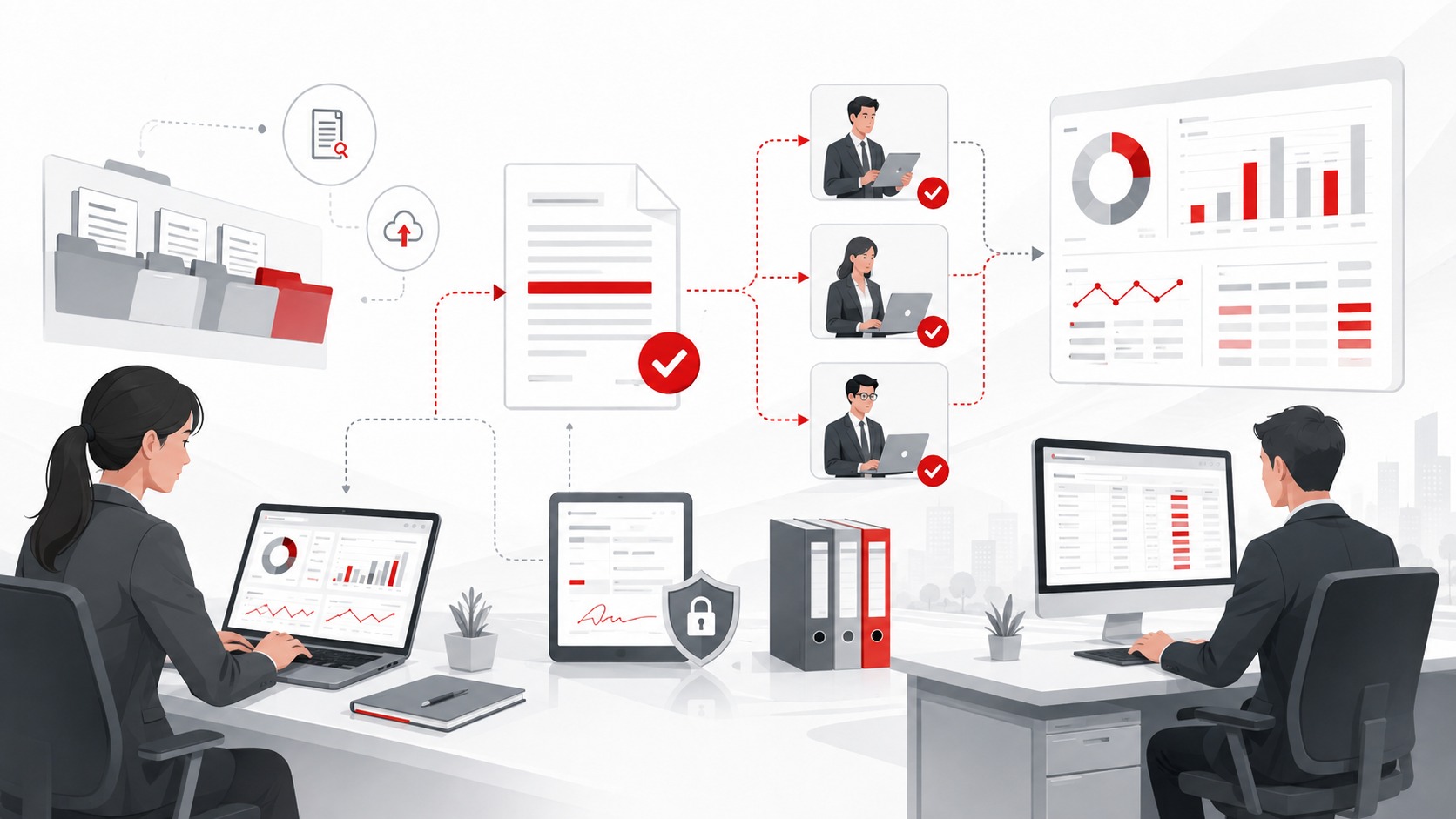
Approval documents, accounting vouchers and departmental profit-and-loss information were difficult to store, find and consolidate.
Introduce workflow and electronic filing, and integrate profit-and-loss reporting with ERP data.
Approval rules, document structure, search requirements, reporting logic, data validation and user acceptance.
Reduced manual and paper-based handling, improved information search and supported smoother analysis and HQ reporting.
This case study is a non-confidential summary of project experience. Customer names, system architecture and exact performance data are not disclosed.
Back-office processes often depend on paper forms, email approvals and locally stored files. This can make responsibility, document location and reporting status difficult to trace, especially when multiple departments or locations are involved.
The sequence below shows a practical delivery pattern. Actual phases and responsibilities depend on the customer environment.
Document forms, approvals, evidence, filing and reporting responsibilities.
Remove unnecessary steps and define standard status and document rules.
Build workflow, access, filing structure and data connections.
Test normal, rejection, correction, delegation and reporting scenarios.
Migrate active work, train users and monitor compliance with the new process.
The value comes from changing how information is captured, checked, shared and acted on - not from technology alone.
Requests, decisions and current ownership become easier to follow.
Documents can be stored and retrieved using agreed metadata and access rules.
Users spend less time searching across paper, email and local folders.
Structured data helps department and HQ reporting processes run more smoothly.